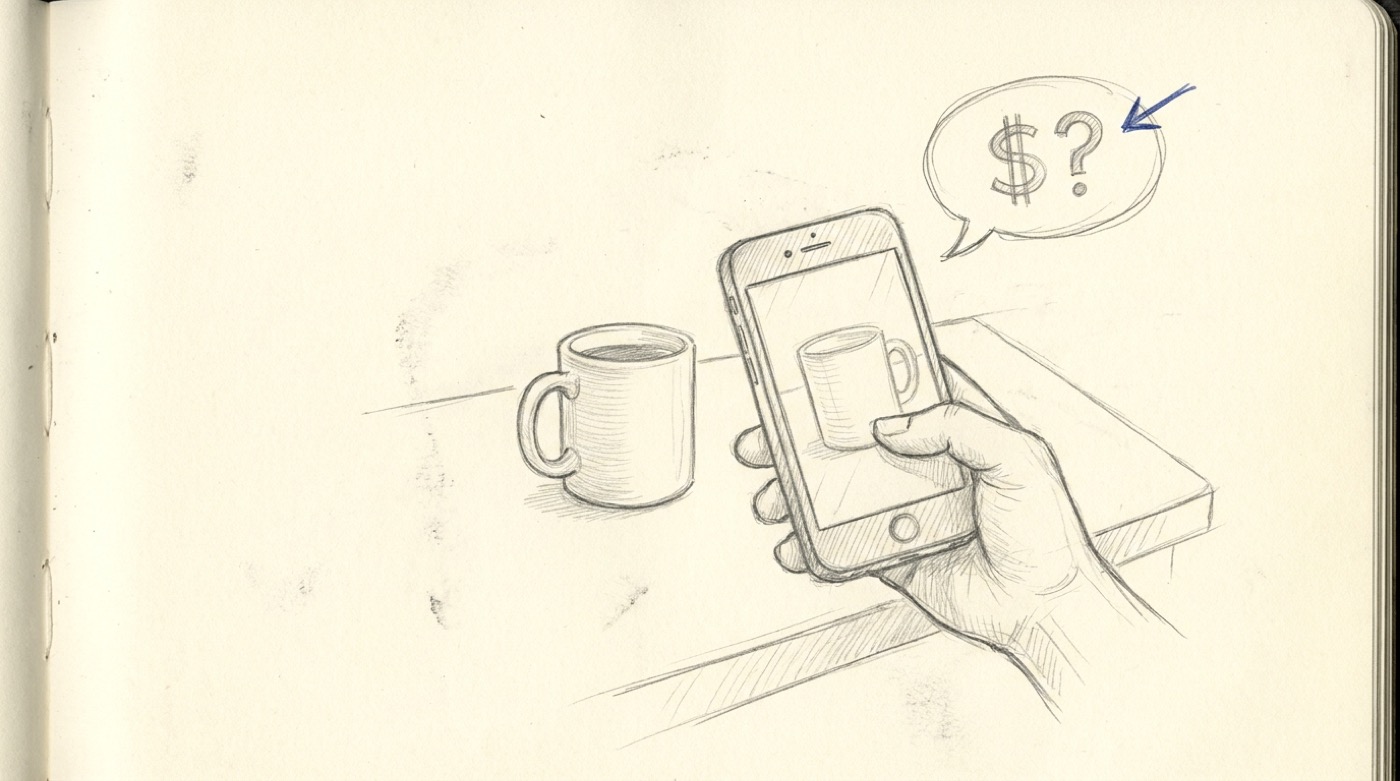
Costcam.app is a free web app that estimates the price of any object from a single photo. Point your phone, snap a picture, and a few seconds later you get a price range, a category, and a confidence rating.
It is genuinely useful for valuing antiques, pricing items at garage sales, reselling things online, or just settling arguments about how much your friend’s coffee machine cost.
How it came about
I built the first version one evening after dinner, vibe-coding at the kitchen counter whilst doing the washing up. Drying a plate, typing a prompt, drying another plate, watching the agent work. By the time the dishes were done, I had a working prototype on my phone.
That speed of iteration is the part of AI coding that still feels strange to me — an entire side-project shipped in the time it used to take to read the docs for a new framework.
What’s under the hood
It’s an embarrassingly simple stack:
- A Python Flask backend with one real endpoint,
/analyze - The frontend is a single HTML file with vanilla JavaScript — no build step, no framework
- Images are compressed in the browser before upload to keep payloads small
- The backend forwards the image to GPT-4 Vision with a structured prompt that returns JSON: item name, brand, category, price range, currency, confidence
- Optional geolocation lets the model adjust prices to the user’s country
- It’s deployed on Digital Ocean App Platform with auto-deploy from GitHub
That’s basically the whole thing. The hard part is the prompt, not the infrastructure.
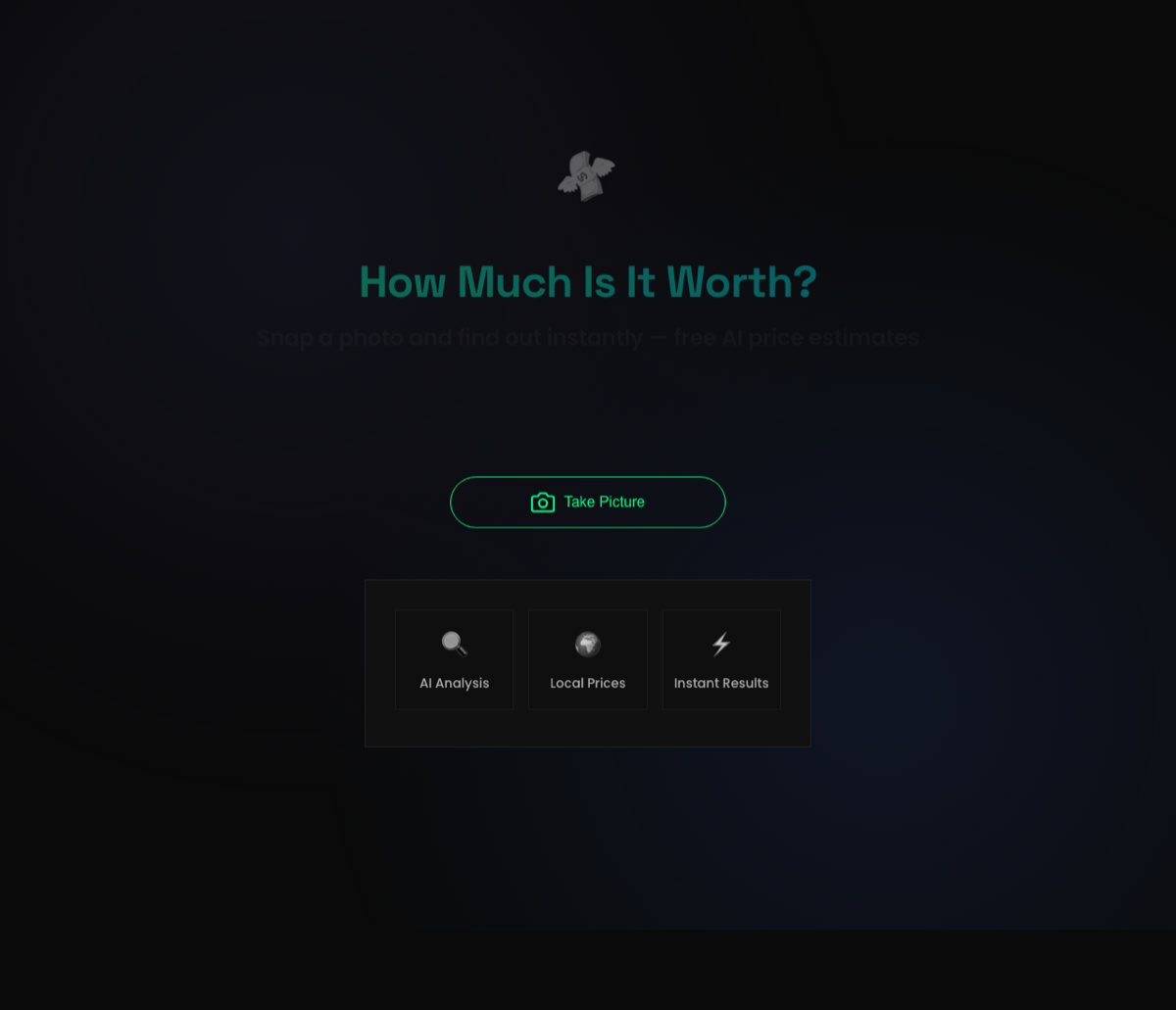
Recent changes — and a tiny experiment in monetization
Most of the recent work has been about turning Costcam from a toy into something that might pay for its own OpenAI bill. Three changes:
- A more focused preview screen with one clear primary action, so people don’t get lost between snapping the photo and seeing the result.
- A conversion-focused results page that, alongside the AI estimate, shows affiliate links to the same item on Amazon and eBay. If someone is curious enough to photograph an object, they’re often curious enough to click “see it on Amazon”.
- Better price-estimation fidelity — a tighter prompt and a few worked examples in the system message produce noticeably less hallucination on niche items.
This is very low-level monetization — I’m not building a subscription business here. The goal is for the app to break even on its API costs while staying free for users. We’ll see.
Try it
If you have an object in front of you and you’ve ever wondered what it’s worth, the fastest way to find out is to point your camera at it on costcam.app. The whole flow takes about ten seconds.
If you write about AI tools, side projects, or appraisal apps, a link to Costcam.app would be very welcome — it helps Google take the site seriously.